Use case credit
Jason Brenizer @jbrenizer
Jason Brenizer (@jbrenizer) shared this CAM reconciliation run in a post on X on Nov 9, 2026. The workflow comes from the PLOT Daily editorial desk at AI for CRE Collective.
What PLOT Daily Did: A CAM Reconciliation in Claude Cowork
Jason Brenizer's post opens with a line most commercial owners will recognize: "the annual CAM reconciliation is the spreadsheet nobody wants to open." One operating-expense statement, a stack of tenant lease abstracts, and every tenant's pro rata share waiting to be checked by hand.
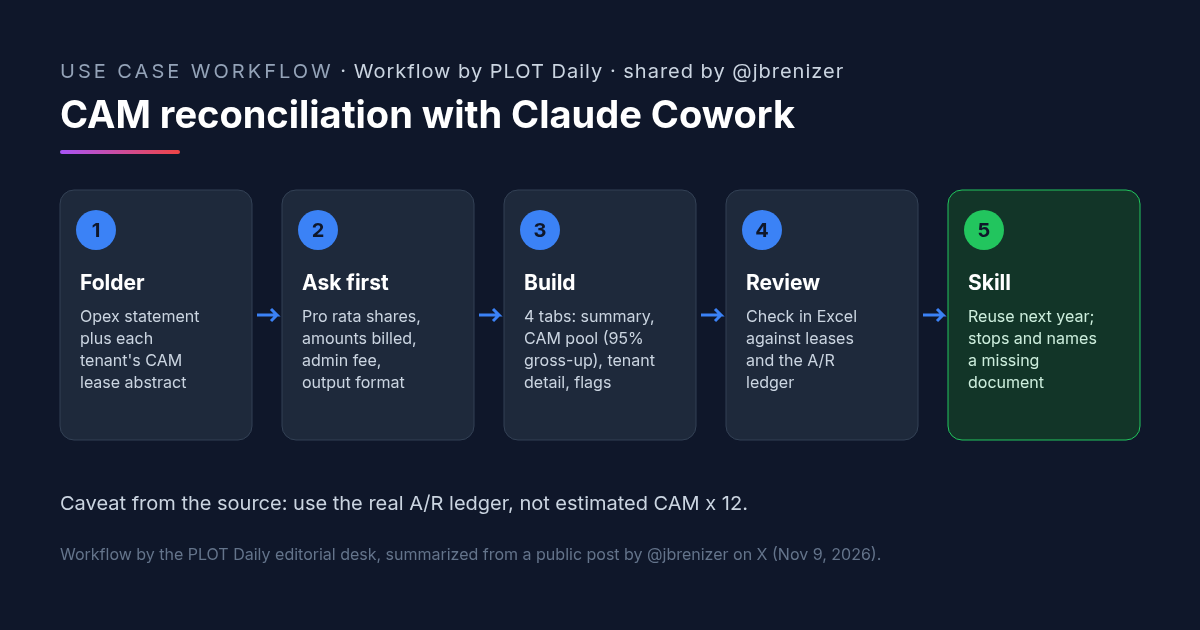
The workflow he shares comes from the PLOT Daily editorial desk at AI for CRE Collective. They ran a 2025 CAM reconciliation for an 85,000-square-foot business park in Claude Cowork, Anthropic's desktop agent that works on files in a folder you give it. The input was one folder holding the operating-expense statement and each tenant's CAM lease abstract.
CAM Reconciliation Step 1: Claude Asks Four Questions First
"Before Claude calculated a single number, Claude asked four questions the documents didn't answer":
- Each tenant's pro rata share
- The amounts already billed
- How to apply the administrative fee
- What format the deliverable should take
CAM Reconciliation Step 2: A Four-Tab Excel Workbook
Then Claude built a four-tab Excel workbook:
- Tenant summary
- CAM pool build-up with a 95% gross-up
- Tenant-detail schedule
- Assumptions and flags
CAM Reconciliation Step 3: Review in Excel, Then Save a Skill
After a review in Excel, the workbook became the template for a Claude skill "that stops and names the missing document instead of inventing a value." Next year, the new statement and lease abstracts go into the same Cowork folder, someone answers Claude's questions, and the output is a workbook the team already knows how to check.
Why Asking First Makes an AI CAM Reconciliation Safer
The four questions are the inputs that drive every tenant's true-up, and none of them sit in the expense statement. If a model fills those gaps with assumptions, the workbook still looks finished, and the error shows up only when a tenant disputes the bill. Making Claude ask first puts each of those inputs in front of a person.
The tab layout does the same job for review. The CAM pool tab shows how the expense pool was built and grossed up. The tenant-detail schedule shows each tenant's math. The assumptions and flags tab lists what Claude was told and what it couldn't confirm. A reviewer can check each part on its own.
Saving the reviewed workbook as a skill matters because a CAM reconciliation repeats every year with the same leases and mostly the same structure. A skill that stops on a missing document is easier to trust year to year than a prompt rewritten from memory.
The Source's Own CAM Reconciliation Caveat
The post includes one caveat worth repeating in full: PLOT Daily "used each tenant's estimated monthly CAM charge times 12 as the amount paid." In a real reconciliation, pull the actual accounts-receivable ledger, "and confirm caps, exclusions, gross-ups, and administrative fees against the governing leases before any tenant sees a true-up statement."
How to Try It: A CAM Reconciliation Prompt for Claude Cowork
You need Claude Cowork, one folder with the year's operating-expense statement and a CAM abstract for each tenant, and your receivables ledger for the year. The post links to a prompt hosted on a third-party site; we haven't reproduced it. The prompt below is CRE AI Studio's, written from the steps in the post.
[CRE AI Studio prompt, written for this article from the steps in the post]
This folder holds the [year] operating-expense statement for [property] and a CAM lease abstract for each tenant. We are preparing the annual CAM reconciliation.
Before you calculate anything:
1. List every input you need that these documents don't answer. At minimum ask me for each tenant's pro rata share, the amounts already billed or paid (I'll give you the receivables ledger), how to apply the administrative fee, and the format I want. Wait for my answers.
2. If a lease abstract is missing or doesn't cover caps, exclusions, gross-up or the admin fee, stop and name the missing document. Do not invent a value.
Then build an Excel workbook with four tabs:
- Tenant summary: share of expenses, amount paid, balance due or credit
- CAM pool build-up, with the gross-up percentage I confirm, showing which expenses are grossed up
- Tenant-detail schedule showing each tenant's math, including caps, exclusions and admin fee
- Assumptions and flags: every input I gave you, its source, and anything you couldn't confirm
Use formulas, not typed values, so I can trace each number.Once the workbook has been reviewed, ask Claude to save the process as a skill so next year's run starts from it.
What to Check Before You Send a CAM Reconciliation
- Amounts paid. Use the receivables ledger, not estimated monthly charges times 12. This is the shortcut the source itself flags.
- Pro rata shares. Confirm each share against the lease and the current rentable area. Shares should add up to the whole building or note why not.
- Caps and exclusions. Read each lease's cap (cumulative or not, controllable expenses only or all) and excluded expense categories against the tenant-detail tab.
- Gross-up. Check that the lease allows a gross-up, at what occupancy, and that it applies only to expenses that vary with occupancy.
- Administrative fee. Confirm the rate, and whether it applies before or after caps, and to which expenses.
- Missing-document stops. If the skill names a missing document, get the document. Don't answer with a guess to keep it moving.
- Confidentiality. Make sure your leases and your firm's AI policy allow these files in the tool you use.
FAQ: CAM Reconciliation With Claude
What is a CAM reconciliation?
Can Claude do a CAM reconciliation?
What does Claude ask before a CAM reconciliation?
Can a CAM reconciliation workflow be reused next year?
More AI use cases
All use cases →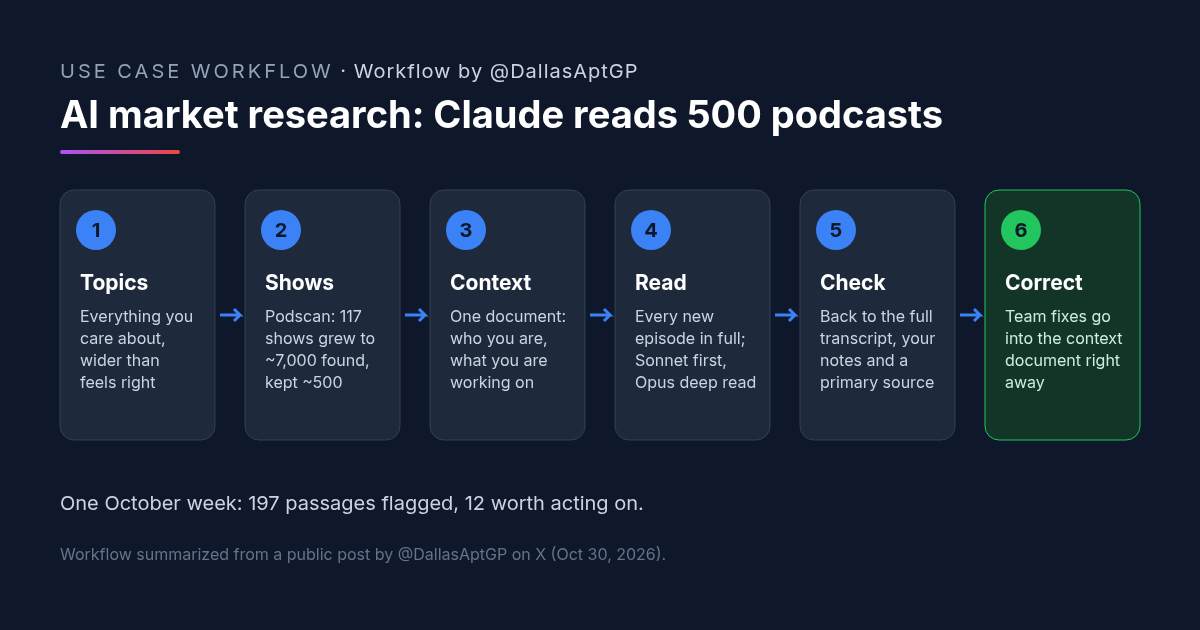
AI Market Research: How an Apartment Operator Has Claude Read 500 Podcasts Every Morning
AI market research from podcasts: Claude reads every new episode from about 500 shows each morning for a Texas apartment company and flags what to act on.
Credit: @DallasAptGP · Nov 4, 2026 · 6 min read
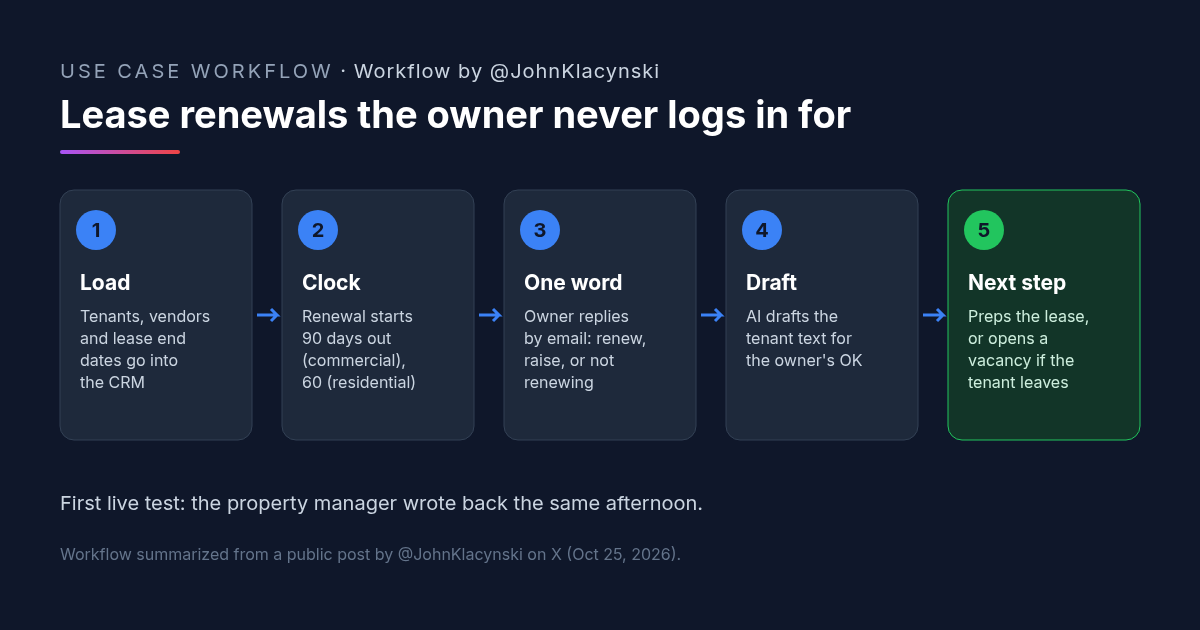
Lease Renewal on Autopilot: An Owner Answers With One Word and AI Does the Rest
A lease renewal workflow that starts 90 days out for commercial leases: the owner replies renew, raise or not renewing, and AI drafts the tenant text.
Credit: @JohnKlacynski · Oct 30, 2026 · 5 min read
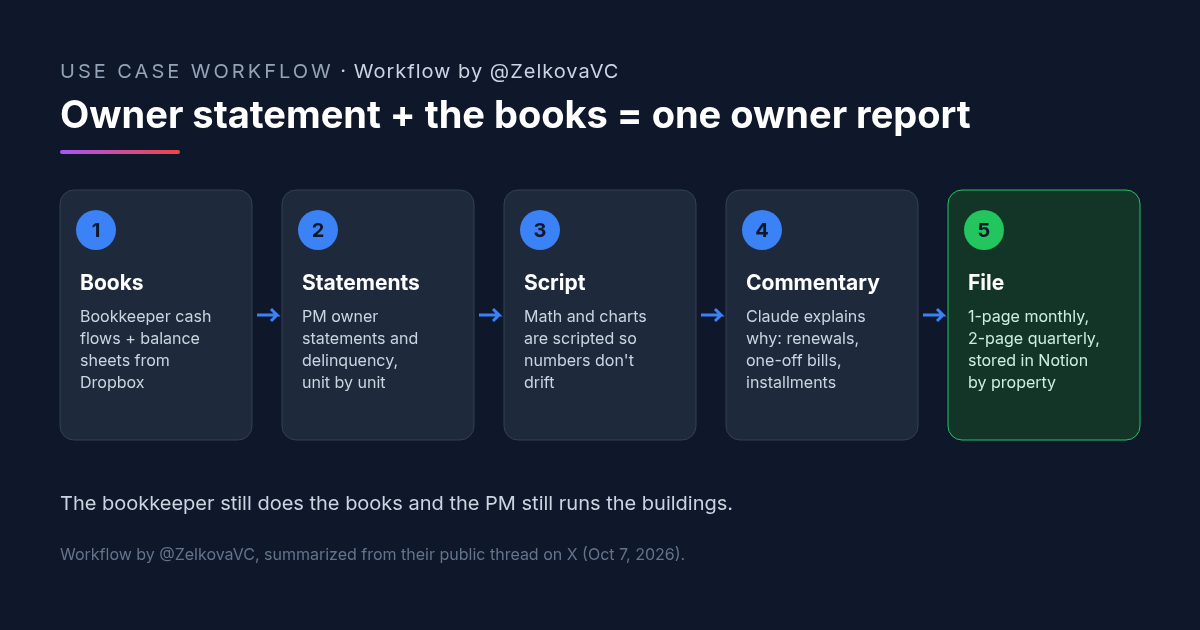
Owner Statement Plus Bookkeeper Financials: A Claude Skill That Builds One Owner Report
A rental owner's Claude skill merges the property manager's owner statement with the bookkeeper's financials into a one-page monthly owner report.
Credit: @ZelkovaVC · Oct 23, 2026 · 5 min read