Use case credit
John Klacynski @JohnKlacynski
John Klacynski (@JohnKlacynski) described how their AI assistants set up lease renewals for a client's small real estate portfolio in a post on X on Oct 25, 2026.
What They Built: A Lease Renewal System the Owner Never Logs Into
John Klacynski is an engineer who builds with AI agents, according to their X profile. Their Oct 25 post describes a client who "owns a small real estate portfolio. tenants, vendors, lease renewals… all in his head, his inbox, and a spreadsheet."
"A few days later he has a working CRM in GoHighLevel. he never logs into it."
Klacynski says their AI assistants, Grok (tagged in the post) and Claude, did the setup:
- a new CRM account
- business texting, approved on its own number
- an email domain "landing in the inbox"
- a website
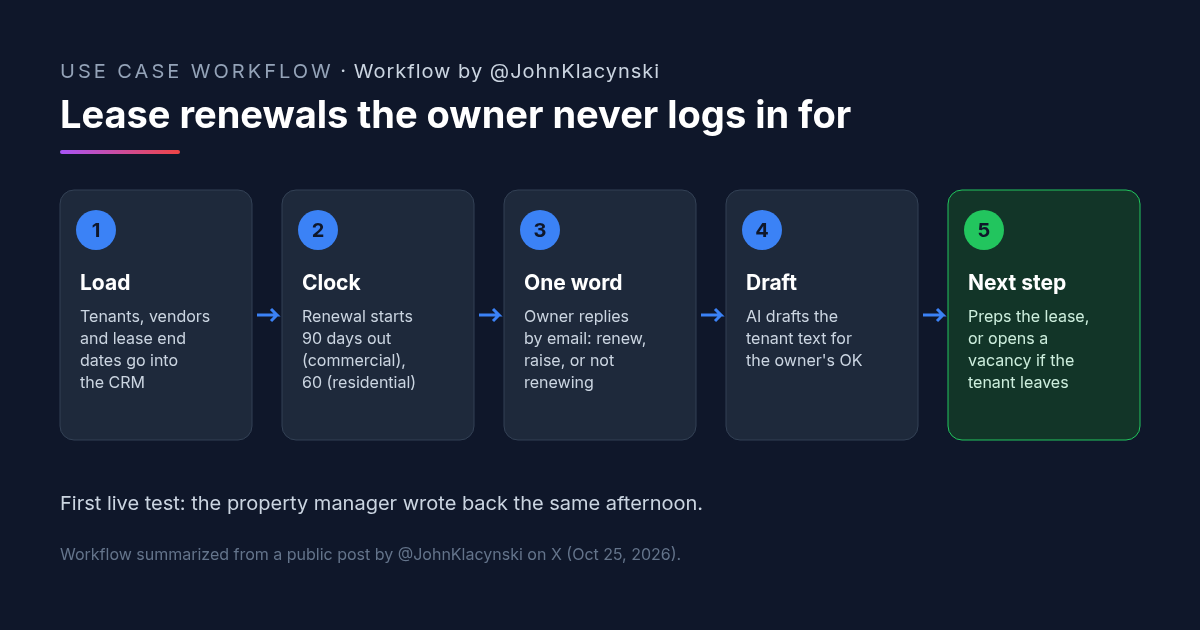
- tenants and vendors loaded with lease end dates
On top of that they built "5 new end-to-end workflows." Lease renewal is the one the post describes.
The Lease Renewal Workflow, Step by Step
Lease Renewal Step 1: Start on a Fixed Clock
"Renewals kick off 60 days out for residential, 90 for commercial." The clock runs from the lease end dates that were loaded into the CRM, so nothing depends on someone remembering.
Lease Renewal Step 2: The Owner Replies With One Word
"He gets an email and replies with one word. renew, raise, or not renewing." That is the only decision the owner makes for each lease.
Lease Renewal Step 3: The AI Handles the Follow-Through
"His AI assistant/bot takes it from there -> drafts the tenant text for his OK, moves the deal along, preps the lease, opens a vacancy if they're leaving."
The first live test went to the client's property manager by text. "She wrote back the same afternoon to schedule visits." In a follow-up reply Klacynski added: "owner never touched it!"
The post doesn't share prompts, the other four workflows, how a "raise" amount is set, or how the lease gets prepped. We stick to what it says.
Why a One-Word Lease Renewal Decision Works
- The owner keeps the decision. Renew, raise or walk away is a business call. Everything around it is follow-up, and that is the part the AI takes on.
- Dates drive it, not memory. With lease end dates loaded once, every renewal starts on time. For a portfolio that lived in one person's head, that alone closes the biggest gap.
- Commercial gets more lead time. Ninety days for commercial and sixty for residential means the two lease types don't share one default.
- Tenant messages still need approval. The AI drafts the tenant text "for his OK." Nothing goes to a tenant without the owner seeing it.
For the inbox side of property management, see our article on property management automation for maintenance requests.
How to Try It: A Lease Renewal Routine Prompt
Klacynski didn't publish a prompt. The one below is a CRE AI Studio add-on, written from the steps in their post. Use it as a scheduled routine in an assistant that can read your lease list and send you email, such as a Claude scheduled task or a Grok Bot routine.
[CRE AI Studio prompt, written for this article]
Run my lease renewal check.
Inputs:
- My lease list: [SHEET OR CRM], with tenant, property, unit or suite, lease type (commercial or residential), lease end date, current rent, and tenant contact.
Every [DAY], do this:
1. Find every commercial lease ending in 90 days or less and every residential lease ending in 60 days or less that doesn't have a renewal decision yet.
2. For each one, email me a short summary: tenant, property, lease end date, current rent, and any renewal option or notice deadline you can find in the lease file. Ask me to reply with one word: RENEW, RAISE, or NOT RENEWING.
3. When I reply:
- RENEW: draft a friendly text to the tenant offering renewal on current terms.
- RAISE: ask me for the new rent, then draft the tenant text with it.
- NOT RENEWING: draft a polite notice to the tenant and a checklist to open the vacancy (listing, move-out inspection, showings).
4. Send every draft to me first. Do not text or email a tenant until I approve.
5. Keep a log of each lease, my decision, and what was sent.
If a lease end date, rent or contact is missing, tell me. Don't guess.What to Check Before You Automate Lease Renewal
- Lease end dates. Confirm every date you load against the signed lease and any amendment. The whole workflow runs off them.
- Renewal options and notice clauses. A commercial lease may give the tenant an option with its own exercise window, or require notice earlier than 90 days. Set the clock from the lease, not a default.
- Local rules. Residential non-renewal and rent increase notices can have legal requirements where you operate. Have the template reviewed.
- Approval on every tenant message. Keep the "for his OK" step. A renewal offer or notice sent by mistake is hard to take back.
- Texting consent. Make sure tenants have agreed to receive texts from the business number.
- The lease itself. Review any lease the AI prepares before anyone signs it.
FAQ: Running Lease Renewals With AI
How far ahead should a lease renewal start?
Can AI send lease renewal messages to tenants on its own?
What does the owner decide in this lease renewal workflow?
What tools run this lease renewal setup?
More AI use cases
All use cases →![Workflow by u/AccessSad9660: five-step diagram for a team late rent notice prompt. Step 1, pick the notice type from a list: entry, late rent, renewal, maintenance or lease violation. Step 2, paste the facts: amounts, dates, lease section. Step 3, fixed rules: neutral and factual, only the details given, [CHECK] instead of a guessed fee or deadline. Step 4, accommodation or health mentions are flagged to the manager, with fair housing rules. Step 5, an email with a subject line plus a For-the-manager checklist; a person checks local notice rules before sending.](/use-cases-images/late-rent-notice-ai-prompt.png)
Late Rent Notice Prompt: One AI Template So Every Manager Sends the Same Notice
A late rent notice AI prompt for property teams: pick the notice type, paste the facts, and the same neutral rules apply. [CHECK] replaces guessed fees.
Credit: u/AccessSad9660 · Oct 23, 2026 · 6 min read
Zillow Lease Agreement Sent for E-Sign by Grok Bot: A Small-Landlord Workflow
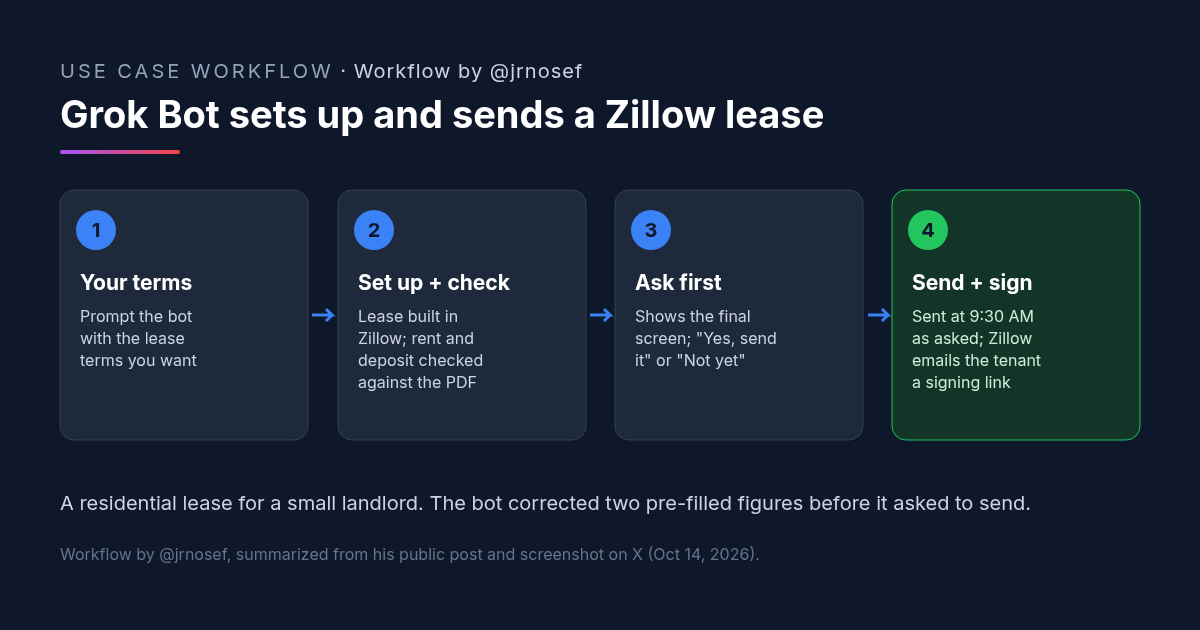
A landlord had Grok Bot set up a Zillow lease agreement from his terms, fix two pre-filled numbers, confirm before sending and schedule it for e-signature.
Credit: @jrnosef · Oct 19, 2026 · 6 min read
Owner Statement Plus Bookkeeper Financials: A Claude Skill That Builds One Owner Report
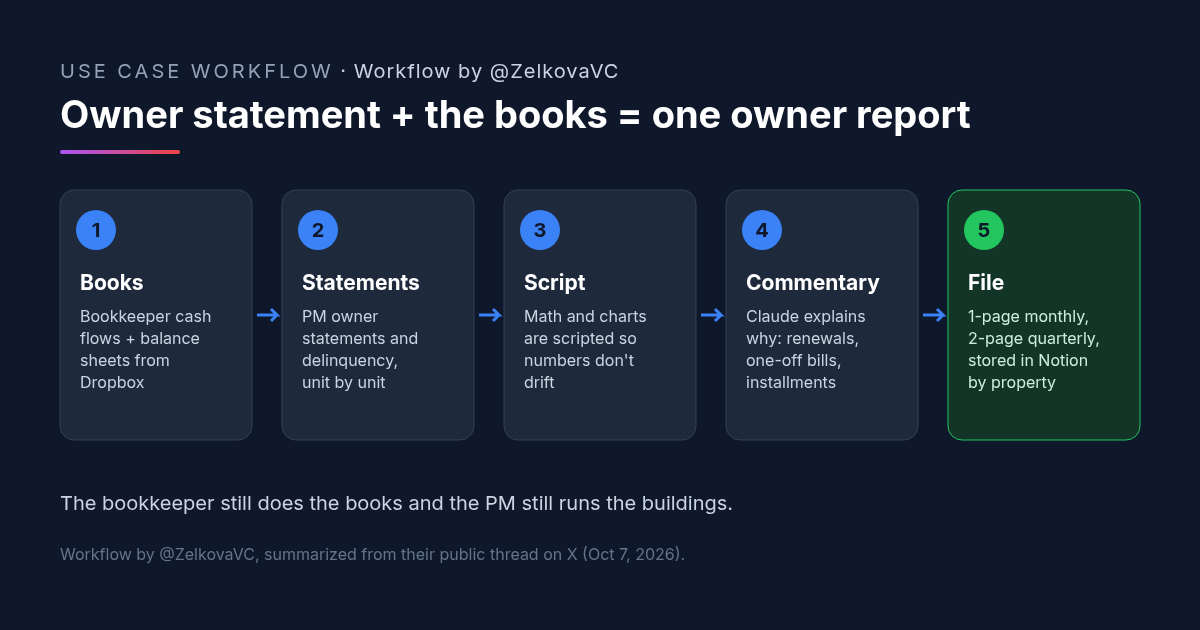
A rental owner's Claude skill merges the property manager's owner statement with the bookkeeper's financials into a one-page monthly owner report.
Credit: @ZelkovaVC · Oct 23, 2026 · 5 min read