Use case credit
Ryan Debenham @ryandebenham
Ryan Debenham (@ryandebenham) shared how their Grok Bot audited their property manager's statements and recovered a $17,429.36 error, in a post on X on Oct 22, 2026.
What Happened: A Grok Bot Checked Property Management Fees Against the Contract
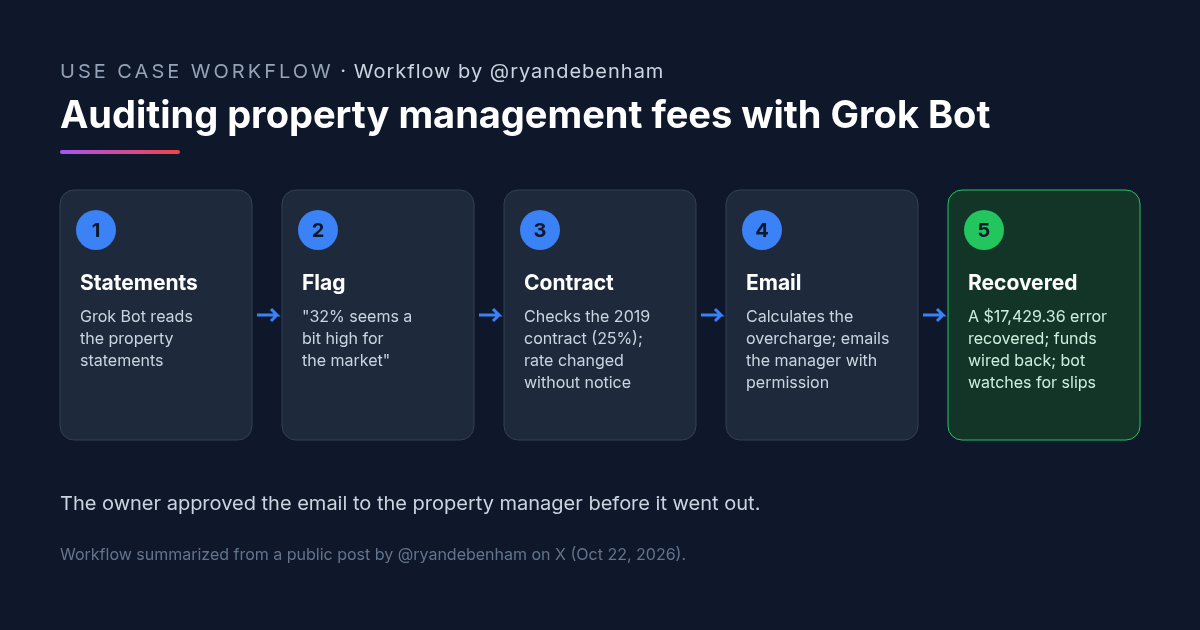
Ryan Debenham's post opens with the result: "My grok bot just recovered a $17,429.36 error by our property manager."
Debenham had not been checking the statements. "I haven't taken time to audit our property statements, and finally put grok bot up to the task. Within a couple minutes it said '32% seems a bit high for the market'."
Debenham remembered a lower number in the original agreement. "I asked it to review our contract from 2019 which I recalled being 25%, and after some due diligence on its side, it realized that our rates had quietly changed without notice, so it calculated the overcharge and emailed the property manager with my permission."
The outcome: "Yesterday, the funds were wired back to my account, and grok has taken on a new job to ensure slips like this don't happen again."
The post is short. It doesn't say what type of property this is, what the percentage was charged on, how many statements the bot read, or how the overcharge was calculated. We stick to what it says.
Why Property Management Fees Are a Good First Audit for a Bot
- The answer is in two documents. The rate charged is on the statements and the agreed rate is in the contract. The check is a comparison, which is the kind of work a bot can do quickly.
- Statements often go unchecked; Debenham's had. The rate change came "without notice." A rate that drifts once and stays there keeps costing money every month.
- The bot asked the right question. It flagged the rate as high before anyone pointed it at the contract. Debenham then supplied the missing piece: the 2019 agreement.
- A person stayed in the loop. The email to the manager went out with Debenham's permission, not on the bot's own initiative.
If you already pull your manager's monthly reports into one place, our article on turning an owner statement into one owner report covers a related setup.
How to Try It: A Property Management Fees Audit Prompt
Debenham didn't publish a prompt. The one below is a CRE AI Studio add-on, written from the steps in their post: read the statements, check the rate against the contract, calculate the difference, and draft the email for your approval.
[CRE AI Studio prompt, written for this article]
Audit the property management fees on the attached statements.
Inputs:
- Our property management agreement and any amendments: [FILES]
- Owner statements from [START MONTH] to [END MONTH]: [FILES]
Steps:
1. Find the management fee terms in the agreement and every amendment. Quote the section and page.
2. For each statement, list the period, the amount the fee was charged on, the fee charged, and the rate that works out to.
3. Compare each period's rate with the contract rate. Flag every period where they differ.
4. For flagged periods, calculate what the fee should have been and the difference. Show the math.
5. Total the difference.
6. Draft a short, neutral email to the property manager with the table and the contract section. Do not send it. Wait for my approval.
If a document is missing or a number is unclear, say so. Don't guess.Once the audit is done, set a monthly routine that runs steps 1 through 4 on each new statement and tells you only when something is off.
What to Check Before You Dispute Property Management Fees
- The whole contract. Look for amendments, renewals or notices that may have changed the rate legitimately before you raise it.
- What the fee is charged on. Confirm the base the percentage applies to, as defined in the agreement, and check that the bot used it.
- The math. Recalculate a few periods yourself before you send any number to the manager.
- Your approval. Keep the bot from sending email to your manager without your sign-off, as Debenham did.
- Other charges. Fees beyond the main rate, if your agreement has them, deserve the same check.
- Ongoing checks. A one-time audit finds the past problem. A routine catches the next one.
FAQ: Auditing Property Management Fees With AI
How can AI audit property management fees?
What should I do if my property management fees changed without notice?
Should a bot email my property manager about property management fees on its own?
How do you keep property management fees from drifting again?
More AI use cases
All use cases →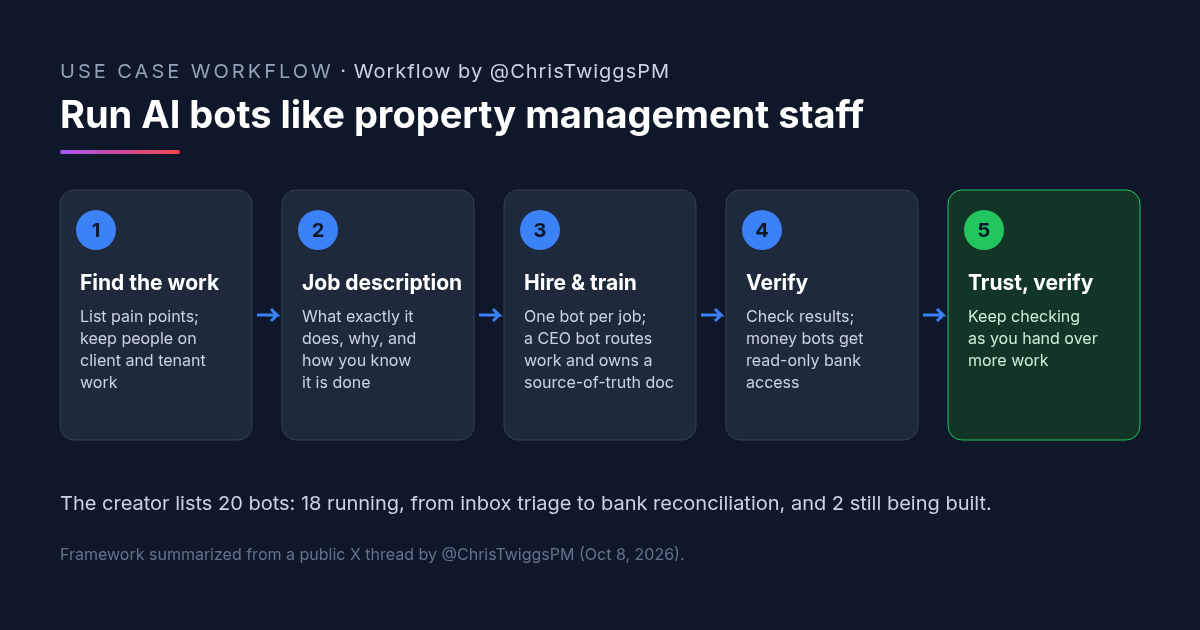
AI for Property Management: How One Property Manager Runs Grok Bots Like Staff
AI for property management: one broker runs 18 Grok Bots (2 more building) like staff. Hiring framework, job-description prompt, and checks.
Credit: @ChrisTwiggsPM · Oct 19, 2026 · 7 min read
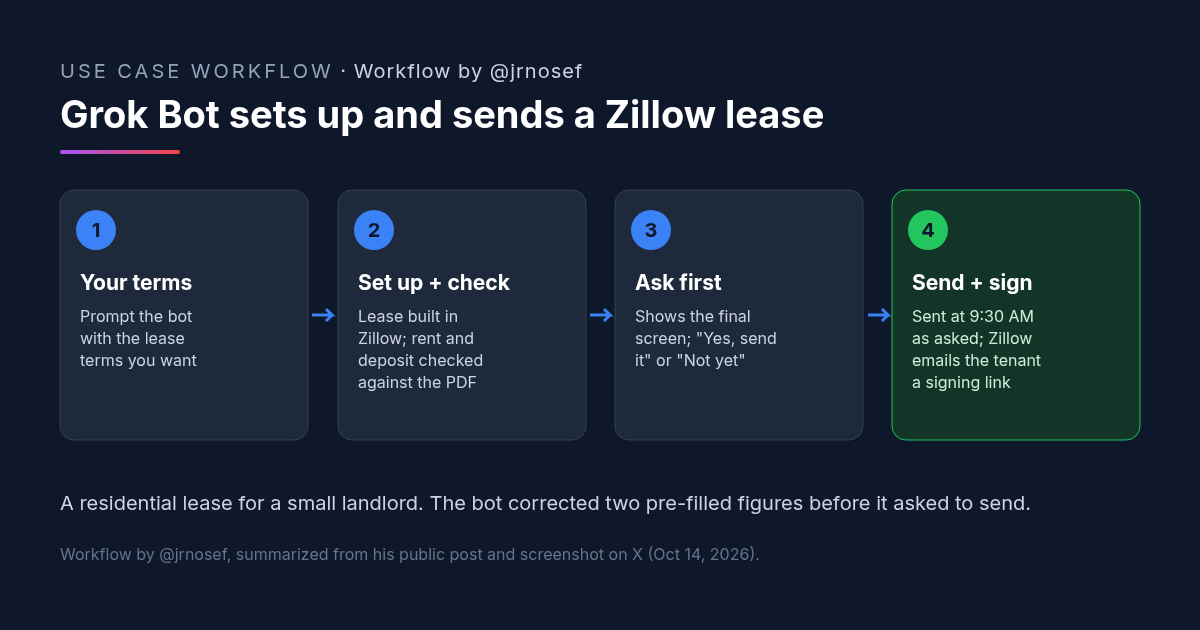
Zillow Lease Agreement Sent for E-Sign by Grok Bot: A Small-Landlord Workflow
A landlord had Grok Bot set up a Zillow lease agreement from his terms, fix two pre-filled numbers, confirm before sending and schedule it for e-signature.
Credit: @jrnosef · Oct 19, 2026 · 6 min read
![Workflow by u/AccessSad9660: five-step diagram for a team late rent notice prompt. Step 1, pick the notice type from a list: entry, late rent, renewal, maintenance or lease violation. Step 2, paste the facts: amounts, dates, lease section. Step 3, fixed rules: neutral and factual, only the details given, [CHECK] instead of a guessed fee or deadline. Step 4, accommodation or health mentions are flagged to the manager, with fair housing rules. Step 5, an email with a subject line plus a For-the-manager checklist; a person checks local notice rules before sending.](/use-cases-images/late-rent-notice-ai-prompt.png)
Late Rent Notice Prompt: One AI Template So Every Manager Sends the Same Notice
A late rent notice AI prompt for property teams: pick the notice type, paste the facts, and the same neutral rules apply. [CHECK] replaces guessed fees.
Credit: u/AccessSad9660 · Oct 23, 2026 · 6 min read