Use case credit
Matt Barge @matthewbarge
Matt Barge (@matthewbarge) shared how Grok Bot put together the diligence package for the sale of a 10-unit Airbnb in a post on X on Sep 5, 2026.
What He Did: A Real Estate Due Diligence Package Built From Google Drive
Matt Barge owns and operates a 10-unit Airbnb and a 20-unit hotel, according to his X profile. When he went to sell the Airbnb, he used Grok Bot to prepare the diligence package. In his words, it "helped me put together my entire diligence package for selling my 10-unit Airbnb."
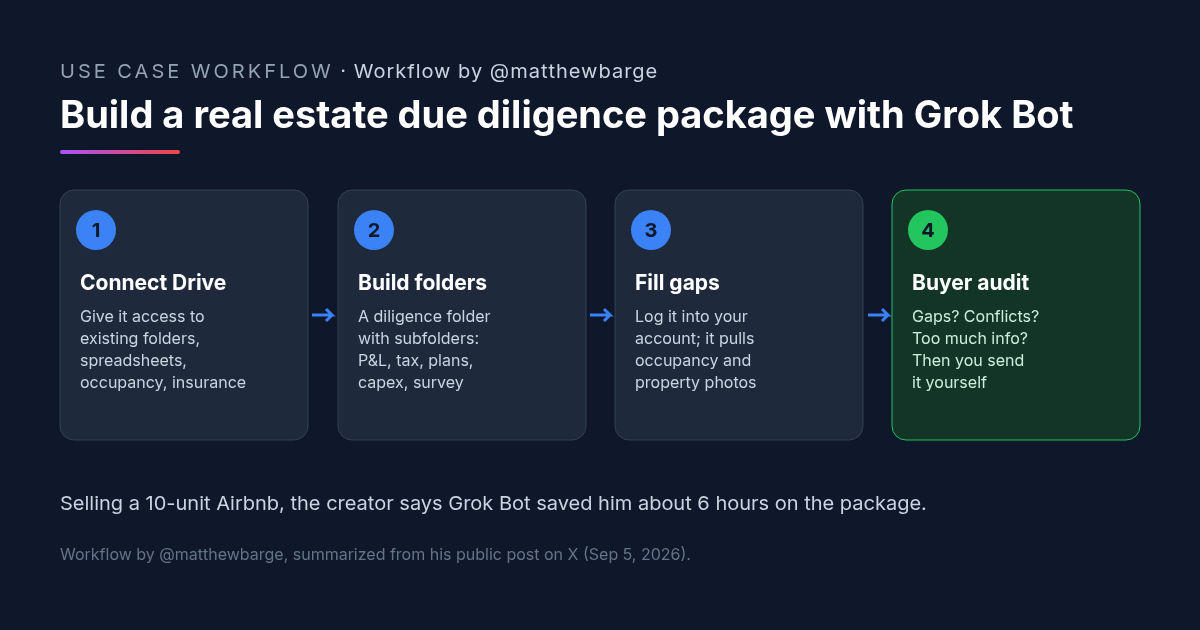
His starting point was files he already had. "I gave it access to Google Drive, where I already had a lot of folders, spreadsheets, occupancy percentages, and insurance documentation." From there, the process had three parts:
- Organize. Grok Bot created a diligence folder with subfolders for "all the items a buyer would want." He lists the P&L, tax assessment, unimproved plans, capex and survey.
- Fill gaps. For what was missing, "I logged Grok Bot into my account via the in-app browser, and it gathered the occupancy percentage and the property photos."
- Audit. He then had it review the package "from a buyer's perspective: were there any gaps or conflicting information? Did we provide too much information when it was unnecessary?"
The result, he writes, was a complete package that he sent to his first serious buyer, a lead from Canada looking at properties in Dallas and Miami. "All in all, Grok Bot saved me about 6 hours."
The Real Estate Due Diligence Folder Structure in His Screenshot
The screenshot attached to his post shows a Google Drive folder named "CityPlace bnb DD" with nine numbered subfolders:
- 01 P&L
- 02 Occupancy
- 03 Tax bill and assessment
- 04 Insurance
- 05 Unit mix and plans
- 06 CapEx
- 07 Survey
- 08 Debt
- 09 Appraisal
Numbered folders give the buyer a fixed order to work through, and they make it obvious when one is empty. The post doesn't say what is inside each folder, so treat this as a structure to copy, not a complete checklist for your property type.
The Buyer's-Eye Audit: Why This Real Estate Due Diligence Approach Works
Barge handed the bot the sorting and gathering: finding documents in folders he already had, putting them in order, and pulling missing data from accounts he could log it into.
The last step is the one worth copying. Asking the bot to read the package as the buyer turns it from a filing clerk into a reviewer. His three questions cover the usual problems: something missing, two documents that disagree, and material that doesn't need to be shared. A buyer who finds conflicting numbers first will ask more questions and may trust the rest less.
He also plans to reuse it. "I'm taking these learnings and systematizing them for the next property and opportunity."
How to Try It: A Real Estate Due Diligence Prompt for Grok Bot
Barge didn't publish his prompts. The steps and prompt below are our version of the workflow he describes. Edit the folder list to fit your property.
Step 1: Give the Bot Your Real Estate Due Diligence Source Files
Connect the bot to where your documents already live, such as Google Drive. Give it access to the property's folders only, not your whole drive.
Step 2: Build and Fill the Real Estate Due Diligence Folders
Have it create numbered subfolders and copy in matching files. For anything missing, decide which accounts it may log into to pull data, as he did for occupancy and photos.
Step 3: Run the Buyer-Perspective Real Estate Due Diligence Review
Before anything is shared, have it review the full package as the buyer and report back to you.
I'm selling [property name, unit count, type, city]. Help me prepare the buyer's due diligence package.

1. Source files: look only in [Google Drive folder]. Don't edit or delete the originals; work on copies.
2. Create a folder called "[Property] DD" with these numbered subfolders: 01 P&L, 02 Occupancy, 03 Tax bill and assessment, 04 Insurance, 05 Unit mix and plans, 06 CapEx, 07 Survey, 08 Debt, 09 Appraisal. [Add or remove folders for this property.]
3. Copy the matching files into each subfolder. Keep a list of which source file went where.
4. For anything missing, tell me what it is. If I've logged you into [account, e.g. the booking platform], pull [occupancy history / property photos] from there and note where each came from.
5. Then review the whole package as a buyer would and give me three lists:
   - Gaps: items a buyer will expect that are missing or incomplete.
   - Conflicts: numbers or facts that disagree between documents, with both sources.
   - Too much: anything that seems unnecessary to share.
Don't share, send or upload anything outside this folder. I'll review and send it myself.
What to Check Before You Send a Real Estate Due Diligence Package
- Every number against its source. P&L totals, occupancy and tax figures should tie back to the original documents, not to a summary the bot wrote.
- What the bot pulled from your accounts. Check data gathered through a logged-in browser for the right property and the right date range.
- Conflicts it flagged. Resolve them yourself, and decide whether the buyer needs an explanation.
- What you share, and when. Debt, appraisal and other sensitive files may belong behind an NDA or a later stage. You decide, not the bot.
- Access and sending. Limit the bot to the property's folders and keep sending and sharing in your hands.
- Your property type. The package was for a 10-unit short-term rental. Office, retail, industrial or multifamily buyers will ask for other items, such as leases, estoppels or environmental reports.
Barge calls it "a must-have tool for any commercial real estate agent." The time saved comes from organizing and reviewing documents. Whether the numbers are right is still the seller's job.
FAQ: Real Estate Due Diligence With AI
Can AI put together a real estate due diligence package?
What goes in a real estate due diligence package for a buyer?
How much time does AI save on real estate due diligence prep?
How do you check an AI-built real estate due diligence package before sending it?
More AI use cases
All use cases →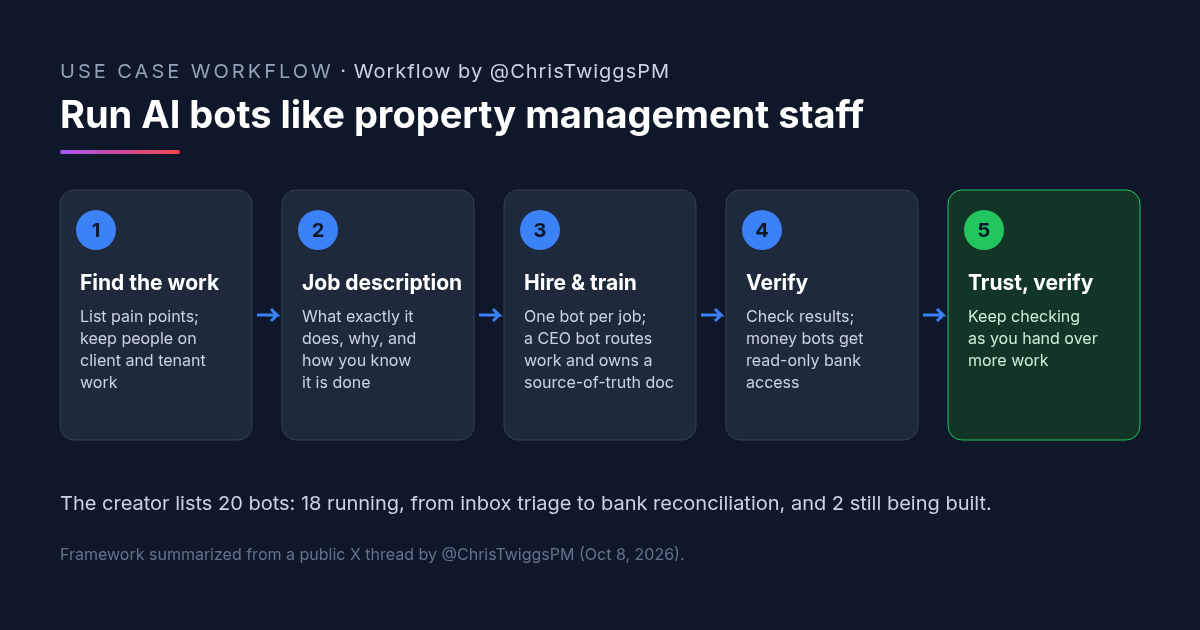
AI for Property Management: How One Property Manager Runs Grok Bots Like Staff
AI for property management: one broker runs 18 Grok Bots (2 more building) like staff. Hiring framework, job-description prompt, and checks.
Credit: @ChrisTwiggsPM · Oct 19, 2026 · 7 min read
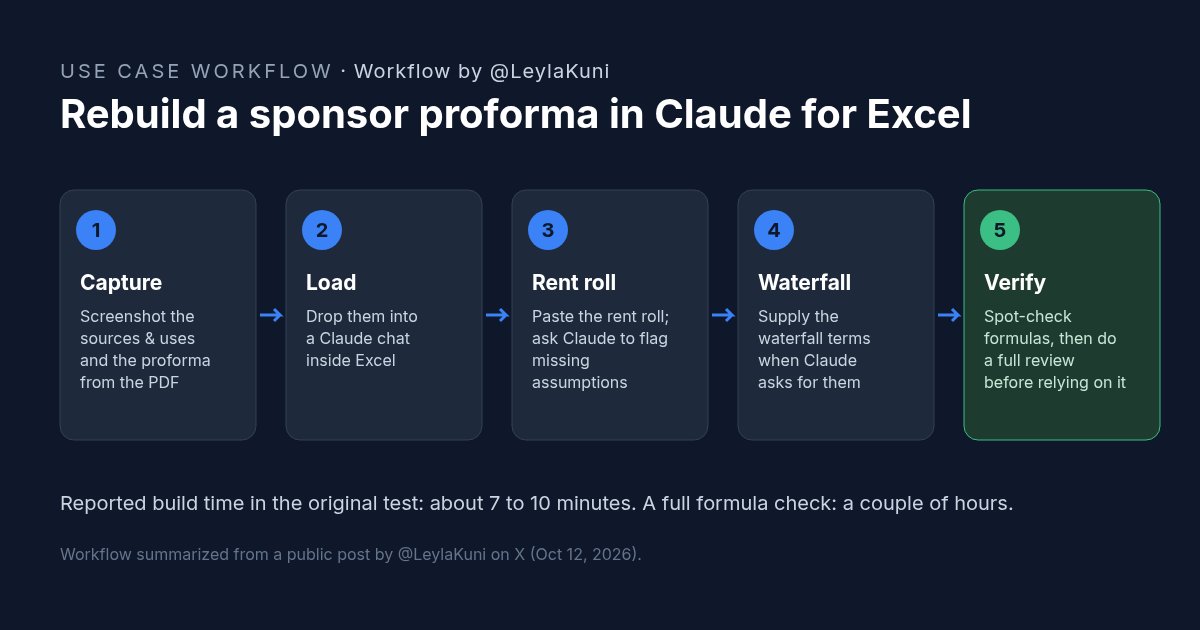
How to Rebuild a Real Estate Proforma in Claude for Excel
Rebuild a sponsor proforma in Claude for Excel from screenshots and a rent roll in about 10 minutes. Workflow, copyable prompt, and what to check.
Credit: @LeylaKuni · Oct 19, 2026 · 6 min read
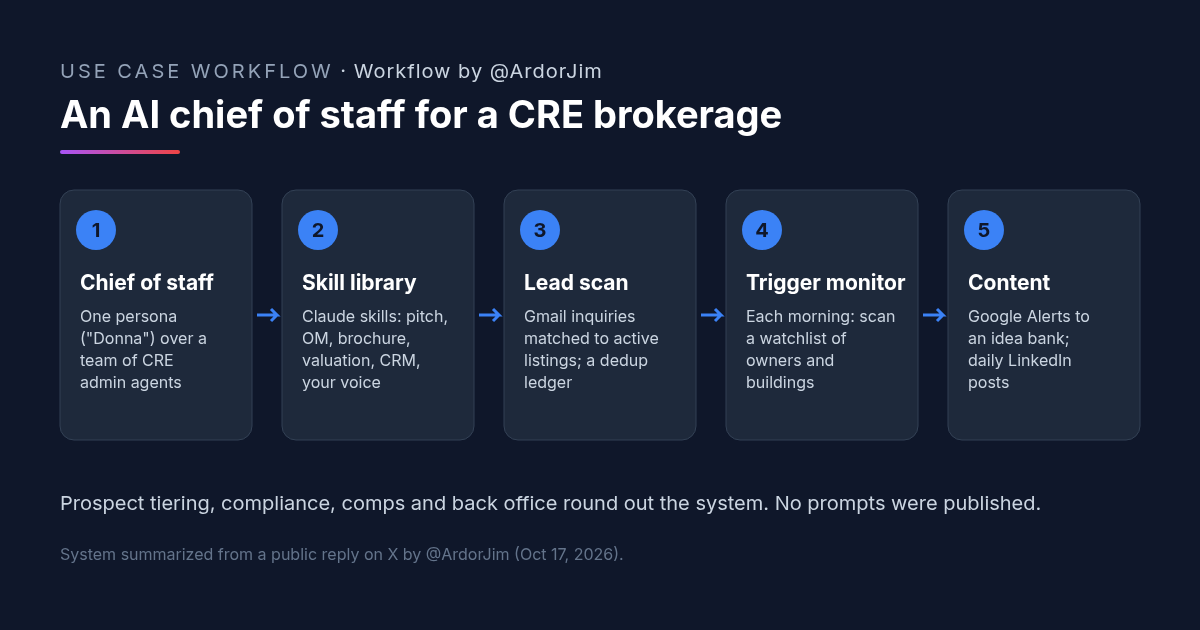
Claude for Real Estate: An AI Chief of Staff and Skill Library at a CRE Brokerage
Claude for real estate at a CRE brokerage: one broker's Claude skill library for pitches, OMs and valuations, next to an AI chief of staff over admin agents.
Credit: @ArdorJim · Oct 19, 2026 · 6 min read