Use case credit
Brucky @danikkk_wqs
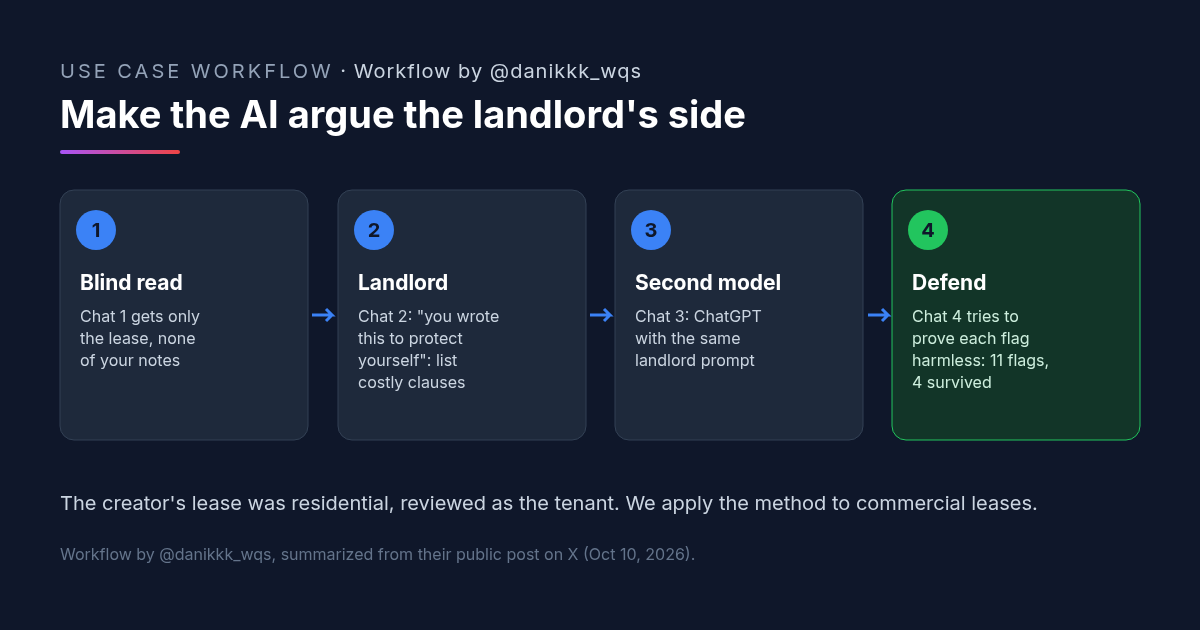
Brucky (@danikkk_wqs) posted this four-chat lease check on X on Oct 10, 2026. Their lease was a residential lease, reviewed as the tenant.
What Brucky Did: A Four-Chat Lease Check, Adapted Here for Commercial Lease Review
Brucky's post on X starts with the result: "I saved my $3,600 deposit by making Claude argue for my landlord." The setup is ordinary. They pasted a new lease into a chat along with their own notes on what they thought it said, and asked for a review. Three chats came back with three versions of "looks standard."
Their diagnosis, in their words: "it was checking my reading of the contract instead of the contract." So they ran checks "that couldn't just agree with me":
- The lease alone. The first chat got only the contract, nothing from them.
- The landlord. The second chat played the landlord, with this prompt:
you wrote this to protect yourself. show me every clause that costs the tenant money and how you'd use it
- A second model. The third was ChatGPT with the same prompt.
- The defense. Those chats flagged 11 clauses. A fourth chat had one job: prove each flag harmless. Seven fell away and four survived.
One of the four let the landlord take any "damage" found within 30 days after move-out straight from the deposit, with no photos needed. Brucky says the landlord prompt found it in the first answer. Their summary: "every contract looks fair until you read it as the person who wrote it."
To be clear about the source: this was a residential lease, reviewed by the tenant. Brucky didn't review a commercial lease. We think the method carries over well to commercial lease review, and the rest of this article is our adaptation of it. The prompts we add are labeled as ours.
Why Arguing the Landlord's Side Works in a Commercial Lease Review
The method fixes one specific failure: an AI asked to confirm your reading will usually confirm it. Each of the four chats removes a different way for that to happen.
- No anchor. The blind read sees only the lease, so it can't lean on your notes.
- A motive. The landlord chat is told the lease was written to protect the person who drafted it. That turns "is this fine?" into "where is the money?", which is the right question for a commercial lease review.
- A second opinion. Running the same prompt in a different model catches clauses one model passes over.
- A filter. The defense chat argues the other way, so you end up with a short list instead of every clause the model could worry about. In a reply on the thread, Brucky put it this way: "Giving each side a different incentive is a much better test than asking the same model to review its own answer."
Commercial leases are usually longer than residential ones and full of defined terms that refer to each other, so there is more room for your own assumptions to fill the gaps.
How to Run This Commercial Lease Review: Copyable Prompts
Use four separate, fresh chats so no chat sees another's reasoning, except where you paste it in on purpose. Upload the full lease with every exhibit and amendment each time. Brucky's headline credits Claude, and their third check ran in ChatGPT. Any two capable models will do.
Commercial Lease Review Chat 1: The Lease Only
Brucky gave this chat "only the contract, nothing from me." They didn't share the wording, so this is our version. Don't add your notes, your deal summary or the LOI.
[CRE AI Studio prompt, written for this article]
Read the attached commercial lease, including every exhibit and amendment. Summarize the business terms, then list every clause that creates a cost, an obligation or a risk for the tenant. For each one, quote the clause, give the section number, and explain it in plain English. Do not tell me whether the lease is standard.Commercial Lease Review Chat 2: Argue the Landlord's Side
The first line is Brucky's prompt, unchanged. The second line is our optional add-on for commercial leases.
you wrote this to protect yourself. show me every clause that costs the tenant money and how you'd use it
[Optional add-on from CRE AI Studio:]
You are the landlord who drafted the attached commercial lease. Include how you would use the definitions, the exhibits, any guaranty, and the clauses that control what happens at renewal, default and the end of the term. Quote each clause and give its section number.Commercial Lease Review Chat 3: The Same Prompt in a Second Model
Paste the same chat 2 prompt into a different AI model with the same lease. Merge the two lists into one numbered list of flags, with section numbers, and drop exact duplicates.
Commercial Lease Review Chat 4: Prove Each Flag Harmless
Brucky's fourth chat "had one job, prove each flag harmless." The wording below is ours.
[CRE AI Studio prompt, written for this article]
Attached is a commercial lease and a numbered list of clauses another reviewer flagged as costing the tenant money. Your only job is to prove each flag harmless, using the lease text. For each flag, either show from the lease why it does not cost the tenant money (quote the section), or say plainly that you cannot. Do not add new flags. End with two lists: flags you disproved, and flags that survive.The flags that survive are your list for the attorney and the broker. Brucky's 11 flags came down to four this way.
What to Check After an AI Commercial Lease Review
- Every quote is real. Open the lease at each section number the AI gives and read the clause yourself. Models can misquote or blend clauses.
- Defined terms. Check how the lease defines the terms each flag depends on. Many commercial lease costs sit in a definition, not in the clause that uses it.
- Exhibits and amendments. Confirm the AI actually read them. If a flag refers to an exhibit, check that the exhibit was in the upload.
- The disproved flags. Skim why each flag was dropped. If the defense chat's reason is weak, put it back on the list.
- Your own deal terms. Now compare the lease with what you negotiated. That comparison was deliberately left out of the blind read.
- Counsel. Send the surviving flags to your commercial lease review attorney with the section numbers. Treat the AI output as preparation, not advice.
- Confidentiality. Leases under negotiation are often confidential. Use an AI tool and plan your company allows for that.
FAQ: AI Commercial Lease Review
Can AI do a commercial lease review?
Why does an AI commercial lease review say the lease looks standard?
Does an AI commercial lease review replace a commercial lease review attorney?
What if I'm the landlord in a commercial lease review?
More AI use cases
All use cases →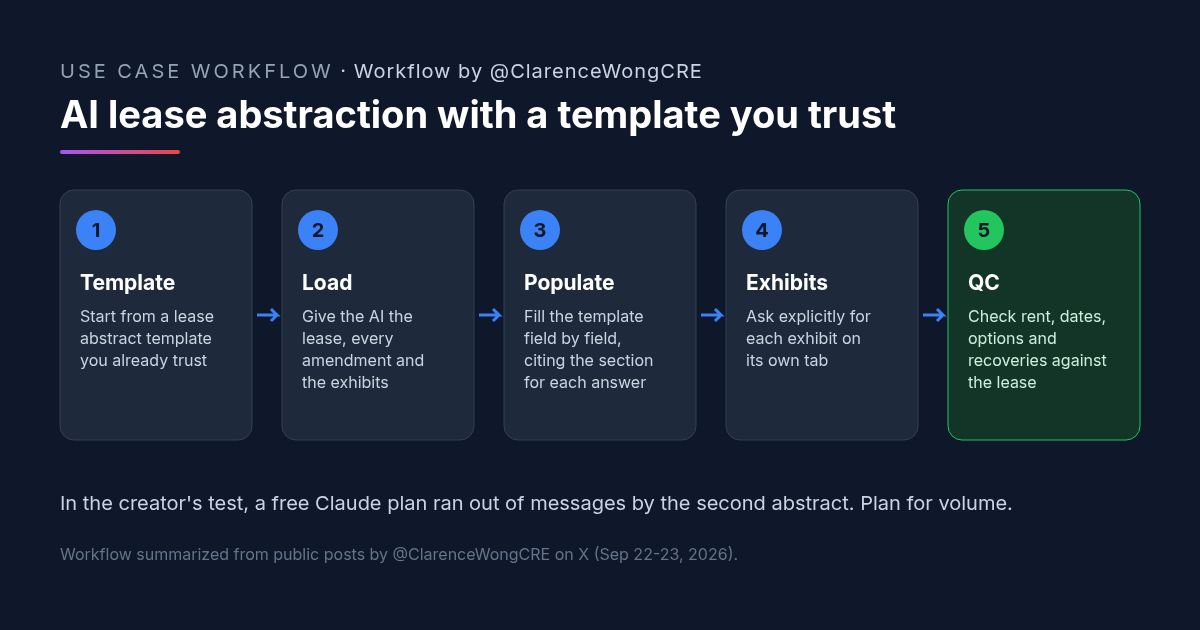
AI Lease Abstraction: Fill Your Own Lease Abstract Template With Claude or ChatGPT
AI lease abstraction: a retail acquisitions VP fills a vendor-built Excel template with Claude and ChatGPT. Workflow, prompt, and checks.
Credit: @ClarenceWongCRE · Oct 19, 2026 · 6 min read
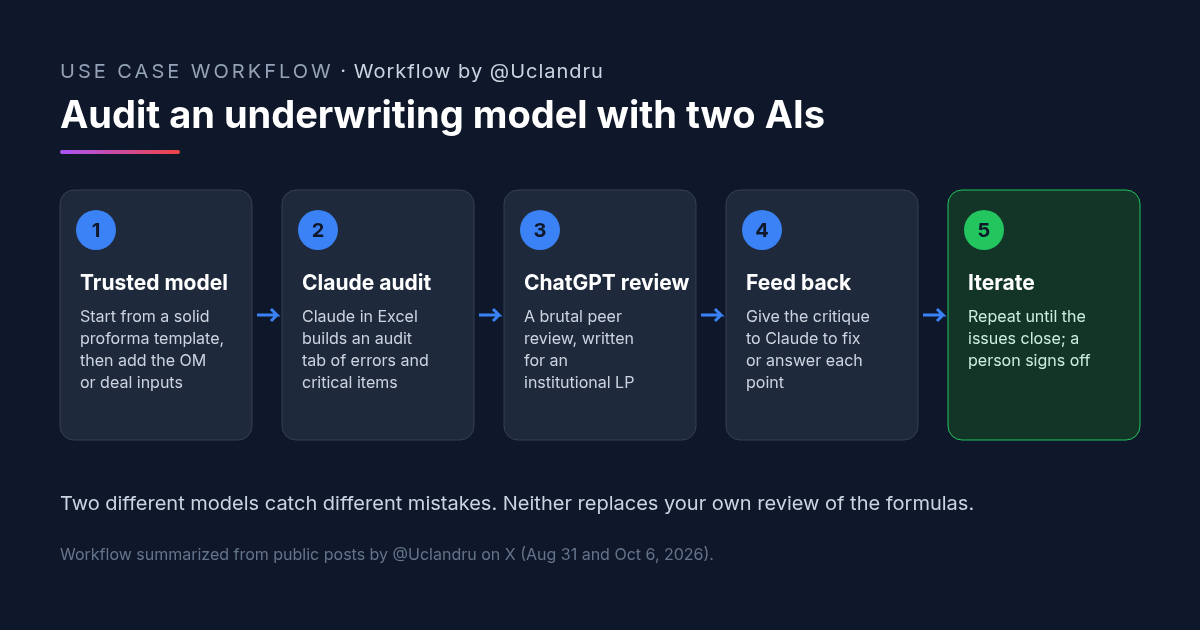
How to Review a Real Estate Underwriting Model With Claude and ChatGPT
Real estate underwriting review: Claude builds an audit tab, ChatGPT peer-reviews like an institutional associate, then back to Claude. Prompts and checks.
Credit: @Uclandru · Oct 19, 2026 · 6 min read
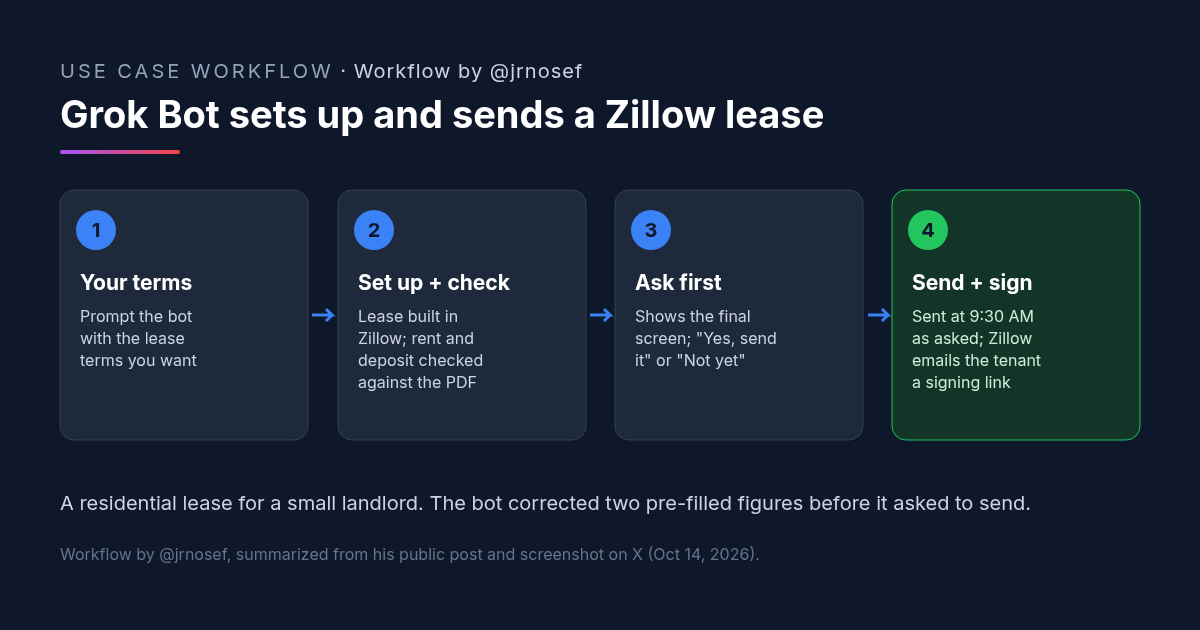
Zillow Lease Agreement Sent for E-Sign by Grok Bot: A Small-Landlord Workflow
A landlord had Grok Bot set up a Zillow lease agreement from his terms, fix two pre-filled numbers, confirm before sending and schedule it for e-signature.
Credit: @jrnosef · Oct 19, 2026 · 6 min read