Use case credit
Andrew Gee @Uclandru
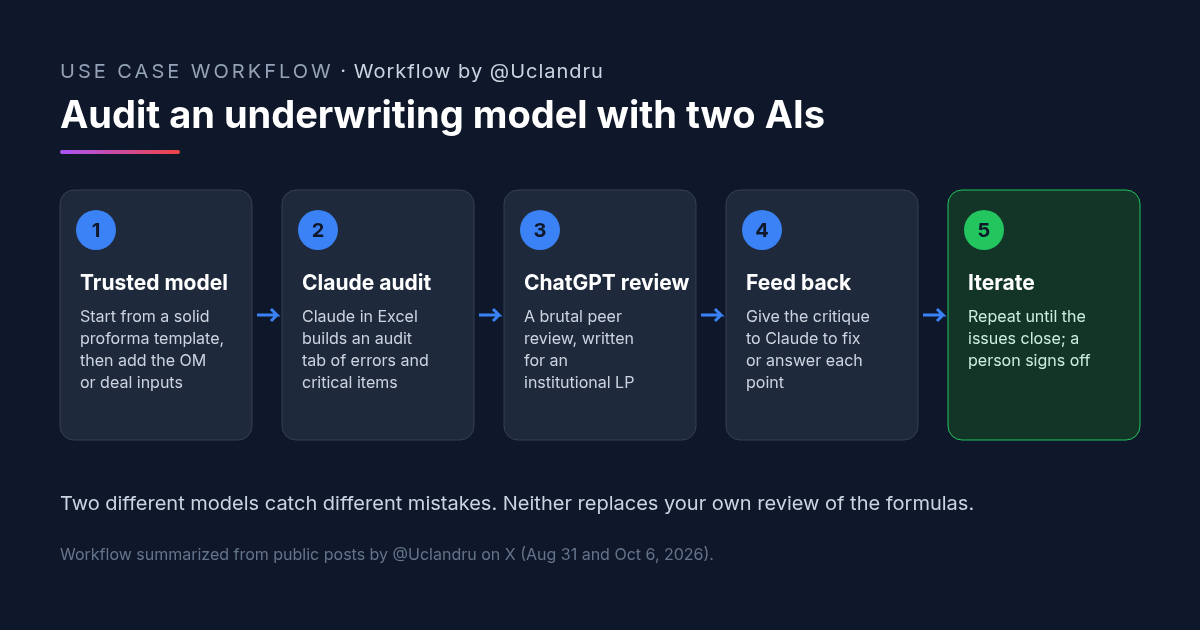
Andrew Gee (@Uclandru) described this review loop in posts on X on Aug 31 and Oct 6, 2026.
What He Did: A Three-Step, Two-Model Real Estate Underwriting Review
Andrew builds proformas, pitch decks and feasibility studies, according to his X profile. In August he posted how his team checks its CRE proforma templates with AI:
- Claude audit. "Run claude audit log to find errors and critical items."
- ChatGPT peer review. Put the model into ChatGPT with the instruction to "think like a Blackrock associate, run peer review, be brutal, client is institutional LP investor."
- Back to Claude. "Then throw peer review back into Claude."
In October he added a refinement. "At this stage of the AI frontier technology," he wrote, it's better to start with a solid proforma model and have AI work through an OM or example deal to begin underwriting. His order: use Claude in Excel first and create an audit tab, peer-review it with ChatGPT, and "keep iterating!"
Why the Two-Model Loop Works for Real Estate Underwriting
A single AI checking its own work tends to agree with itself. This loop splits the jobs.
- The model stays yours. Starting from a proforma you trust means the math lives in formulas you've already checked. The AI reviews and fills inputs. It doesn't invent structure.
- Claude finds mechanical problems. An audit tab inside the workbook catches broken references, hardcodes and inconsistencies where they sit.
- ChatGPT plays the skeptic. Framing the review for an institutional LP pushes it toward the questions an investment committee asks: aggressive rent growth, thin reserves, an optimistic exit cap.
- The critique closes the loop. Sending the review back to Claude turns comments into fixes, or into a written reason why no fix is needed.
How to Try It: Three Copyable Real Estate Underwriting Prompts
You'll need Claude for Excel (or Claude with the workbook attached) and ChatGPT. Open your proforma with the deal's inputs, and use these in order.
Andrew did not publish full prompts, only short instructions. The three prompts below are CRE AI Studio's expansions of his loop.
1. Claude: Build the Underwriting Model Audit Tab
Audit this real estate underwriting model. Do not change any existing cells.

Create a new tab called "Audit." For each issue, add a row with: tab and cell, what the issue is, severity (critical / moderate / minor), and a suggested fix.

Check for: broken or circular references, hardcoded numbers inside formulas, inputs that don't flow through every tab, inconsistent units or periods (monthly vs annual), rent and expense growth that doesn't match the assumptions tab, debt service that doesn't match the loan terms, waterfall tiers that don't sum to total distributions, and any assumption that is aggressive versus the deal's own data.

End with a short list of the five items most likely to change the returns.
2. ChatGPT: Peer Review the Real Estate Underwriting
Andrew's own instruction, in his words: "think like a Blackrock associate, run peer review, be brutal, client is institutional LP investor." The prompt below is CRE AI Studio's expansion of it.
Act as a skeptical associate at a large institutional investment manager reviewing this underwriting model for an institutional LP. Be direct and brutal.

Attached are the model and its Audit tab. Review the assumptions, not just the formulas: rent growth, vacancy and credit loss, expenses, capex and reserves, debt terms, exit cap rate and timing, and the waterfall.

For each concern, say what you'd challenge, why, what evidence would change your mind, and what sensitivity you'd want to see. Rank your concerns by how much they could move the IRR and equity multiple.
3. Claude: Answer the Underwriting Critique
Below is a peer review of this model. For each point, either fix the model (and list exactly which cells you changed) or explain in one or two sentences why no change is needed. Add both to the Audit tab. Don't change any input assumption without flagging it for my approval.

Peer review:
[paste here]
Run the loop again after changes. When the new review only produces minor points, the model is ready for your own sign-off.
What to Check Before You Rely on an AI-Reviewed Real Estate Underwriting Model
- Every fix. Review each changed cell yourself. Fixes can break other formulas.
- Input changes. No assumption should change without your approval. Compare inputs before and after.
- Source data. AI reviewers can't tell you the rent roll or T12 is wrong. Tie revenue and expenses to source documents.
- Market claims. If a reviewer says a cap rate or rent growth is "aggressive," check it against your own comps. The AI may not have current market data.
- Waterfall. Confirm tiers against the operating agreement.
- Confidentiality. Confirm you're allowed to upload deal and client models to both tools.
Anthropic's guidance for Claude for Excel cautions against relying on it for final deliverables or audit-critical calculations without human review. Two models make a better reviewer than one, but the sign-off is still yours.
FAQ: Real Estate Underwriting Model Review With AI
Can AI review a real estate underwriting model?
Why use two different AI models for real estate underwriting review?
Should AI build the real estate underwriting model from scratch?
What is an audit tab in a real estate underwriting model?
What is real estate underwriting?
More AI use cases
All use cases →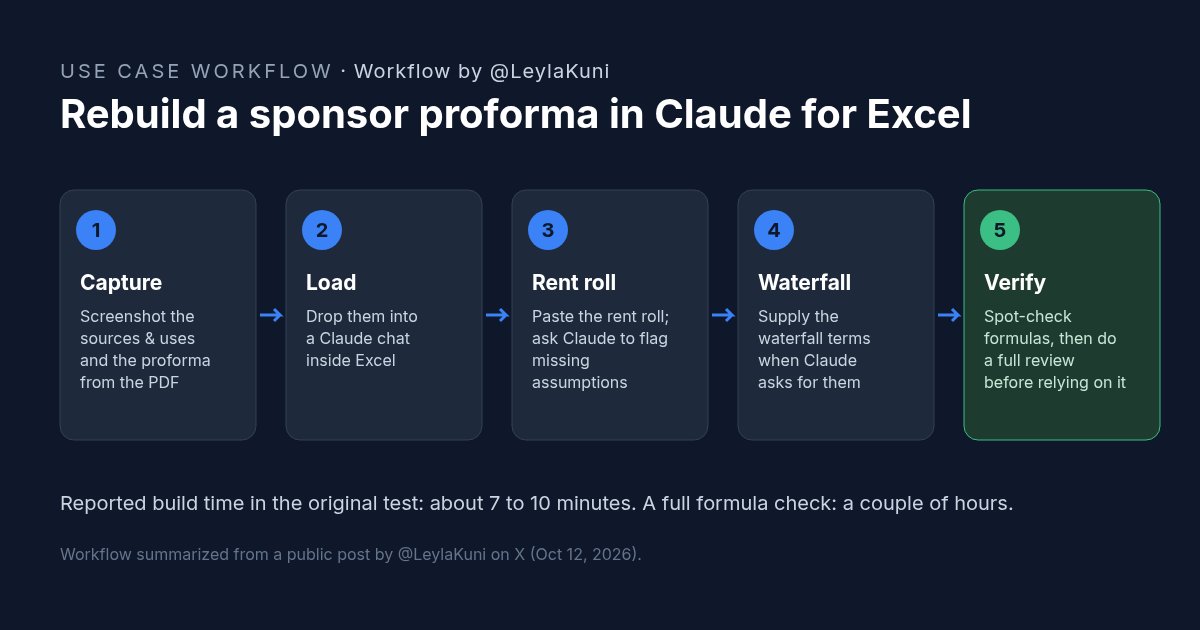
How to Rebuild a Real Estate Proforma in Claude for Excel
Rebuild a sponsor proforma in Claude for Excel from screenshots and a rent roll in about 10 minutes. Workflow, copyable prompt, and what to check.
Credit: @LeylaKuni · Oct 19, 2026 · 6 min read
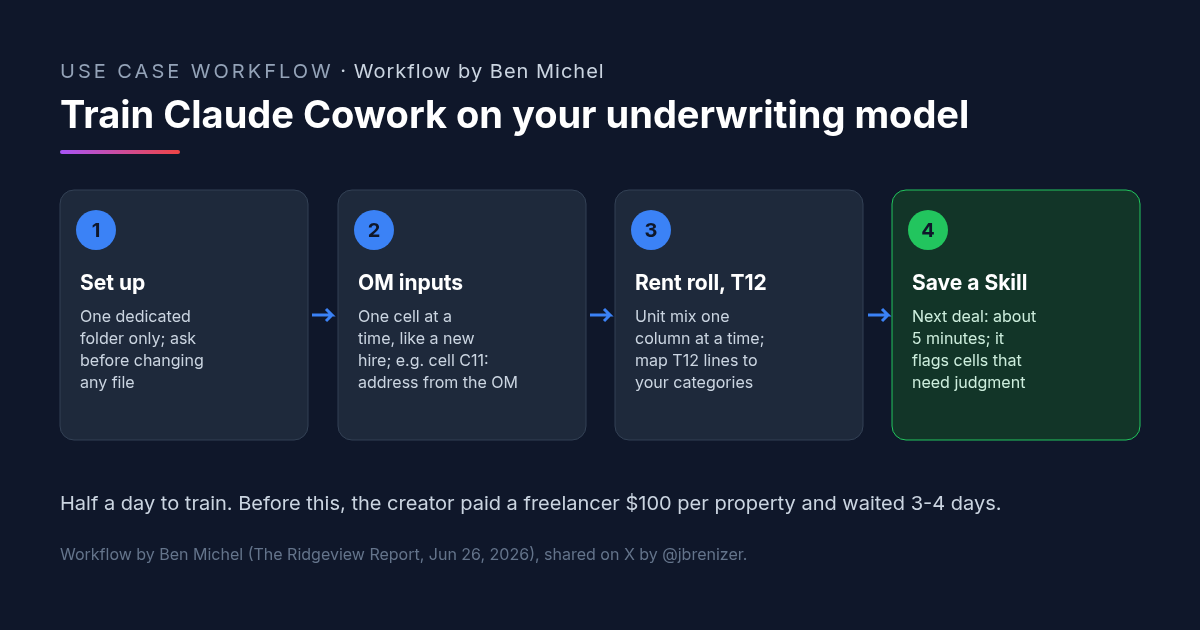
Multifamily Underwriting With Claude Cowork: How One Investor Trained It on His Own Spreadsheet
Multifamily underwriting with Claude Cowork: one investor taught it his model from the OM, rent roll and T12, saved a Skill, and now fills it in 5 minutes.
Credit: @jbrenizer · Oct 19, 2026 · 6 min read
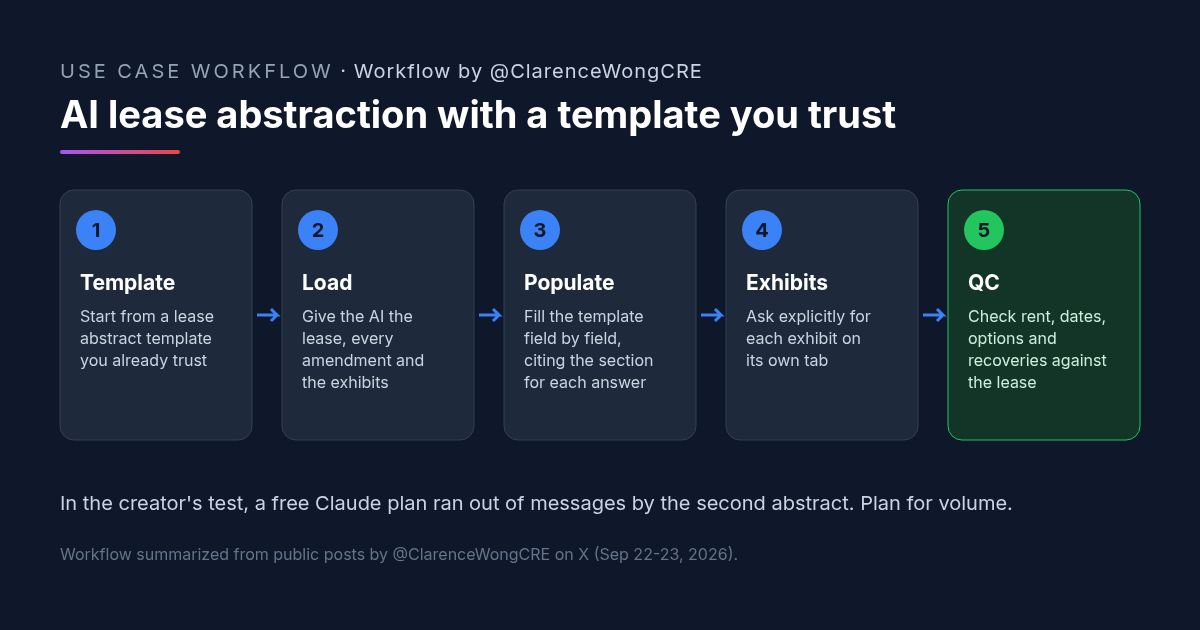
AI Lease Abstraction: Fill Your Own Lease Abstract Template With Claude or ChatGPT
AI lease abstraction: a retail acquisitions VP fills a vendor-built Excel template with Claude and ChatGPT. Workflow, prompt, and checks.
Credit: @ClarenceWongCRE · Oct 19, 2026 · 6 min read